Expand your skills registry
A skills registry starts as one catalog of every skill in your organization, with owners and groups. If you haven't set one up yet, start with get started with a skills registry.
Add capabilities to your registry
Once the registry is in place, you can add governance and insight one capability at a time. Each guide below builds on the registry, and you can pick the ones that matter to you, in any order.
Ship new skills through one golden path
The ship new skills through one golden path guide gives developers a single self-service way to publish a skill. An AI node extracts the skill's metadata, a pull request opens automatically, and the skill is registered as pending until the pull request is merged. Reviewers approve or reject pending requests from the Skills Lifecycle Control dashboard.
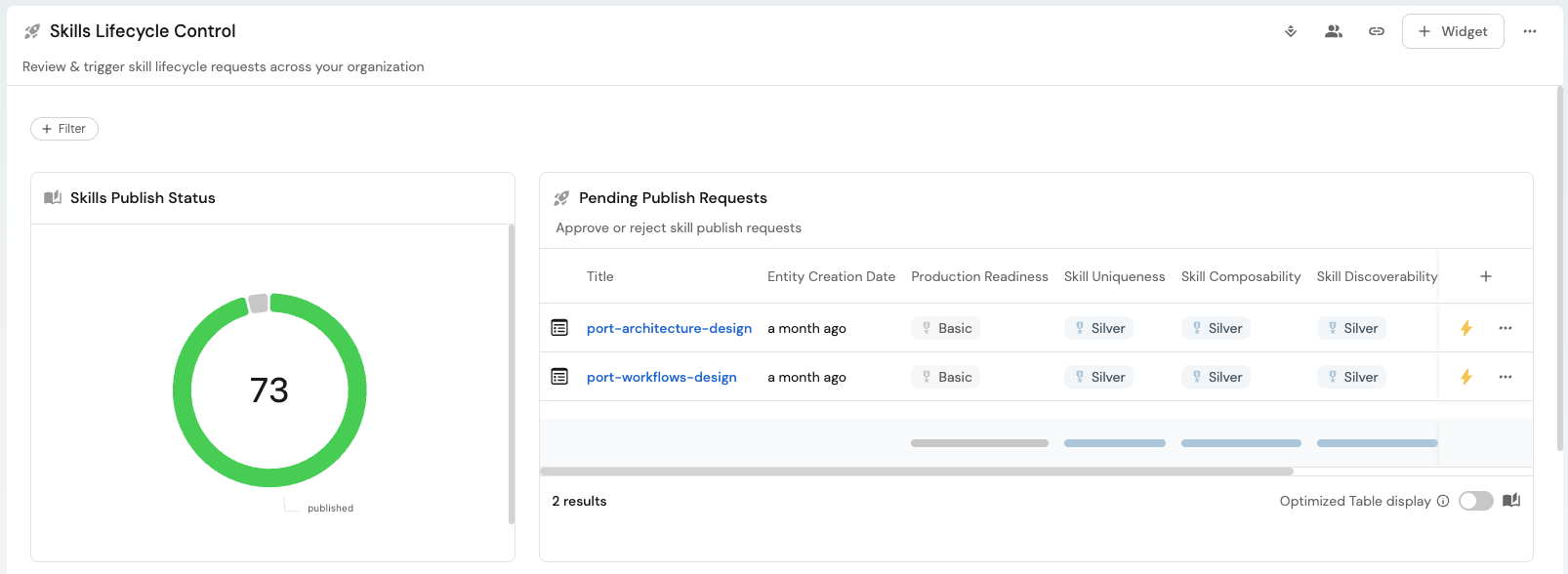
Certify skills to meet industry and org standards
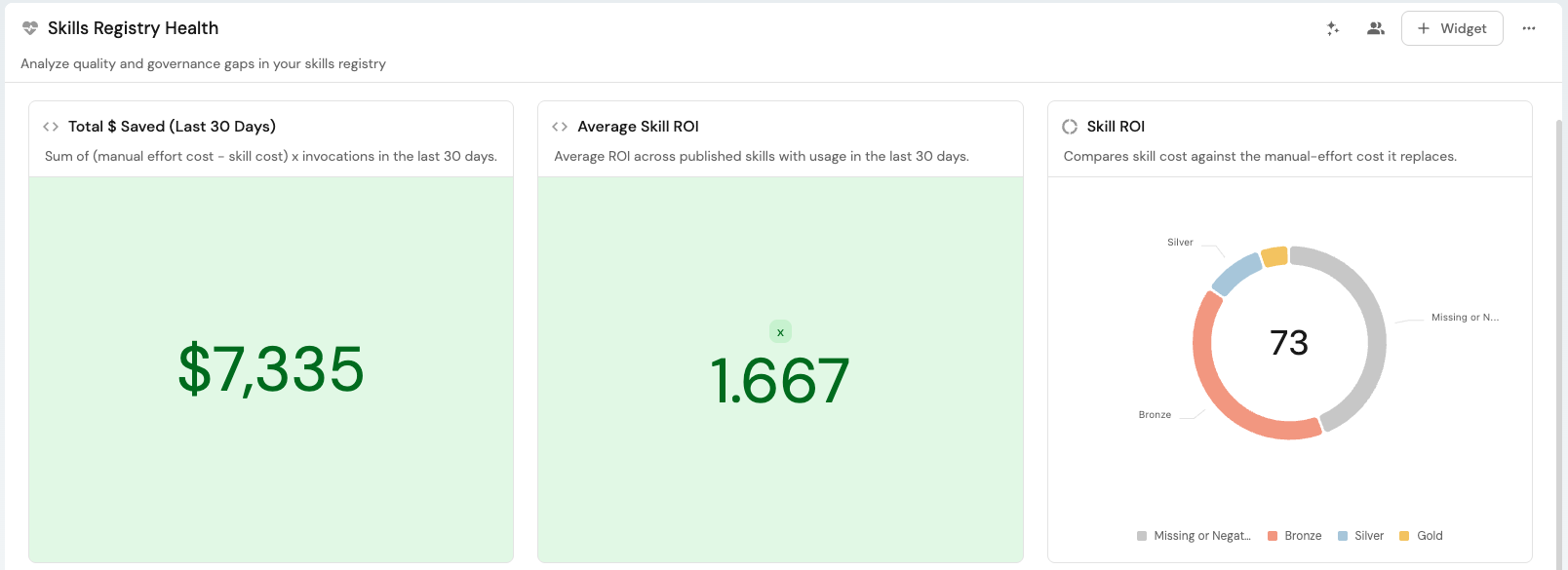
The certify skills to meet industry and org standards guide adds an AI review of each skill's description, a discoverability scorecard, and an approve, iterate or reject recommendation with a Slack notification. The Skills Registry Health dashboard shows the result across the organization.
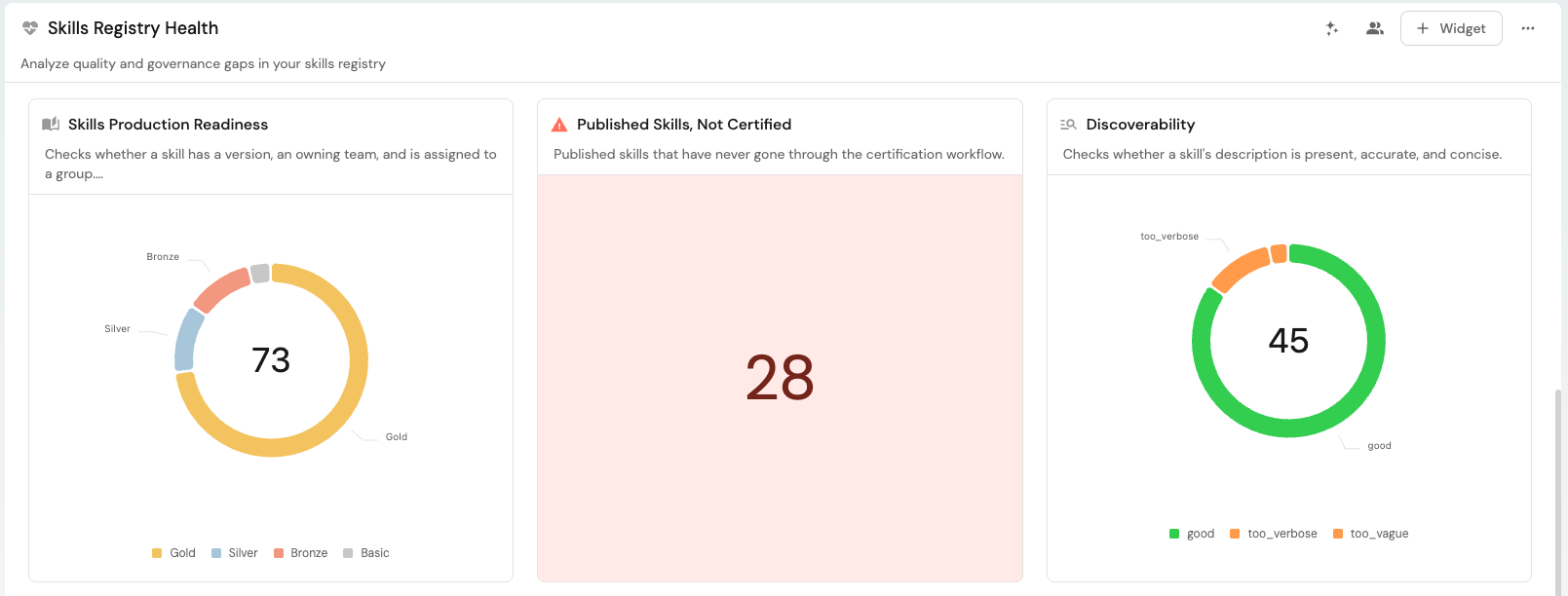
Avoid duplicate skills in your org registry
The avoid duplicate skills in your org registry guide adds a similarity check before a skill is published, with a prompt to publish anyway or cancel, and a uniqueness check during certification that links similar skills.
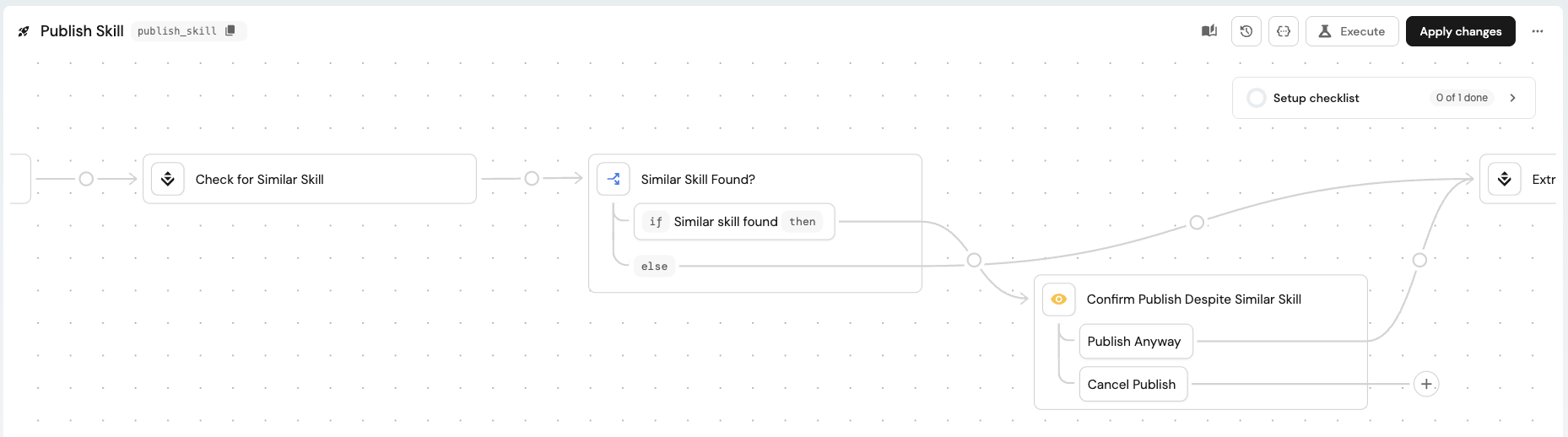
Bundle skills into plugins
The bundle skills into plugins guide adds a plugin blueprint and AI suggestions for which plugin a skill belongs in, so one install covers a whole role or team.
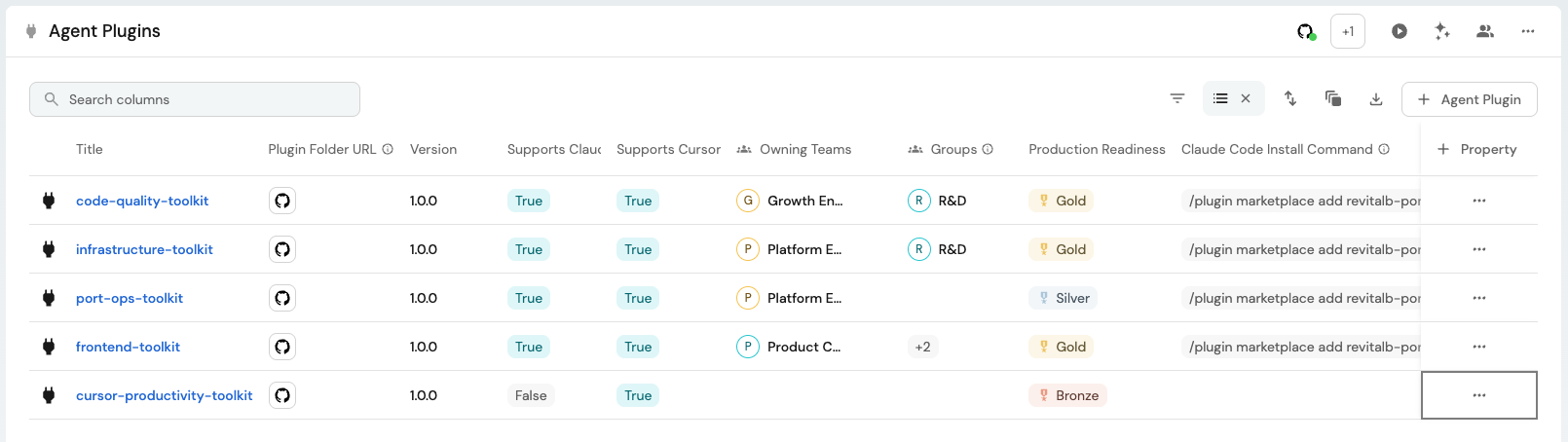
Measure the ROI of skills in your org registry
The measure the ROI of skills in your org registry guide links usage and spend data to each skill to calculate cost per run, an ROI scorecard and total savings, so you know which skills to invest in, standardize or retire. To track adoption, sharing and spend over time, add the visualize Claude skills adoption dashboard.
Related docs
- Skills overview - the skill blueprint, built-in skills and best practices.
- Ingest skills from Git - mapping configuration for GitHub and GitLab.
- Enrich Port AI with skills - how Port AI loads skills at runtime.
- Skills usage analytics - skill usage across Cursor and Claude.