Automate Slack Alert for Overdue PRs
This automation helps you set up a Slack notification for Pull Requests (PRs) that have been open longer than a specified time. While this guide uses 3 days as an example, you can customize the timeframe to suit your needs, ensuring that your team stays on top of PRs and keeps the review process moving smoothly.
Prerequisites
To use this automation, ensure you have:
-
Installed the GitHub Ocean integration.
-
Configured a Slack app that can post messages to a Slack channel with the
chat:writebot scope under OAuth & Permissions, or created a Slack webhook to send messages to Slack.
Data Model Setup
For this guide, we will be using the same data model as in the GitHub Ocean installation and the repositories and pull requests example.
Update the Service blueprint
Add the slackChannel and slackURL properties, if they do not exist, with the schema below:
   "slackChannel": {
     "icon": "Slack",
     "type": "string",
     "title": "Slack Channel",
     "description": "The Slack channel name where notifications will be sent."
   },
   "slackURL": {
     "icon": "Slack",
     "type": "string",
     "title": "Slack Webhook URL",
     "format": "url",
     "description": "The Slack incoming webhook URL to send messages in channel."
   }
Update the Pull Request Blueprint
-
Navigate to the
Pull Requestblueprint on the Data model page in Port. -
Hover over it, click on the
...button on the right, and selectEdit JSON. -
Add the following properties:
"prOpenTimer": {"title": "Pr Open Timer","type": "string","format": "timer"},"isNotificationSent": {"title": "Notification Sent","type": "boolean","default": false}ExplanationprOpenTimer: This property is used to set a timer for how long a PR has been open. When this timer expires (after 3 days), a notification is triggered.isNotificationSent: This property is a boolean flag that helps prevent multiple notifications for the same PR. Once a notification is sent, this property is set totrue, ensuring that no further notifications are sent for that PR.
-
Add the mirror properties:
"mirrorProperties": {"serviceSlackChannel": {"title": "Service Slack Channel","path": "service.slackChannel"},"serviceSlackUrl": {"title": "Service Slack Url","path": "service.slackURL"}}
Make sure to add the mirror properties.
These mirror properties allow the Pull Request blueprint
to access the Slack channel and webhook URL from the related Service blueprint.
To read more about mirror properties and understand their usage better, visit the Port Documentation on Mirror Properties.
Ingest GitHub PR Data
-
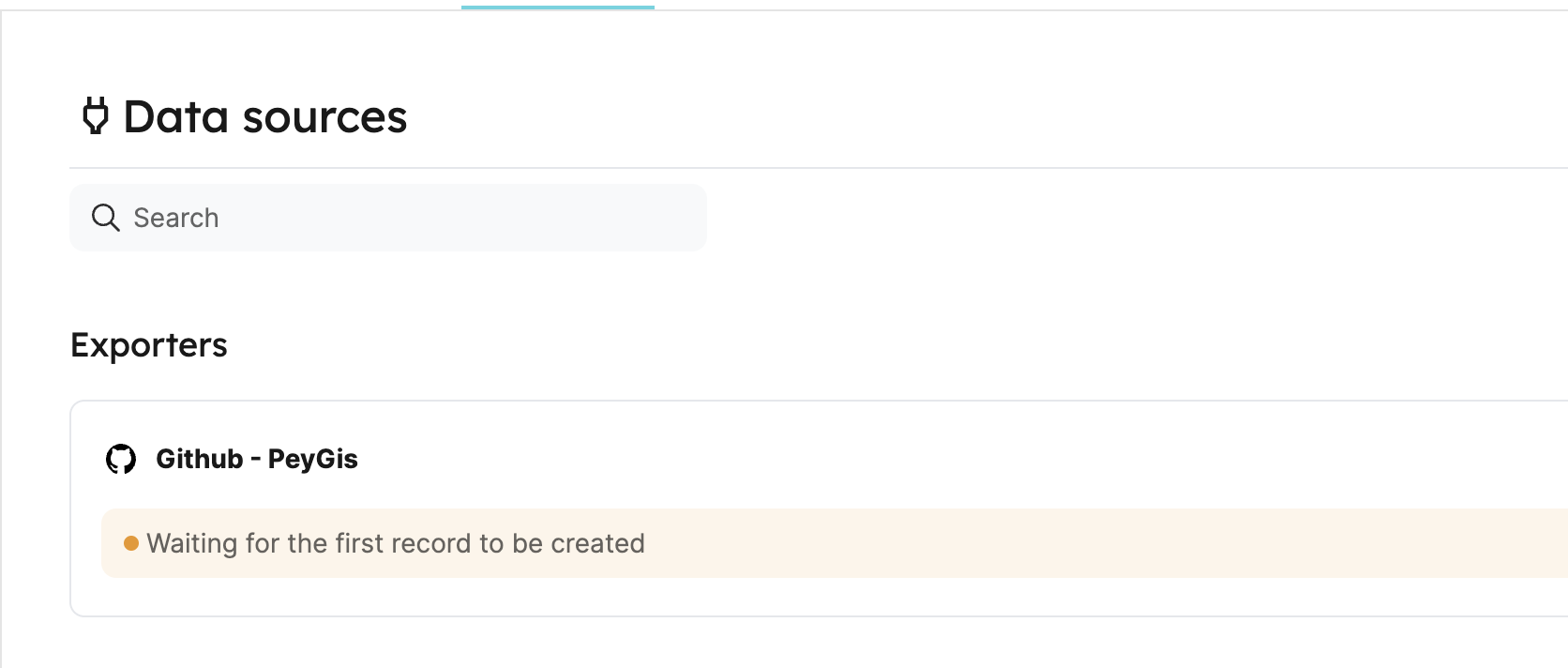
Go to your connectors page, and click on your GitHub integration:
-
Under the
resourceskey, add the following YAML block to map the pull request entities and clickSave & Resync:Configuration mapping (click to expand)
resources:- kind: pull-requestselector:query: "true"states: ["open"]port:entity:mappings:identifier: ".__repository + '-' + (.number|tostring)" # The Entity identifier will be the repository name + the pull request numbertitle: ".title"blueprint: '"githubPullRequest"'properties:creator: ".user.login"assignees: "[.assignees[].login]"reviewers: "[.requested_reviewers[].login]"status: ".state"closedAt: ".closed_at"updatedAt: ".updated_at"mergedAt: ".merged_at"prNumber: ".id"link: ".html_url"prOpenTimer: "((.created_at | fromdateiso8601) + (3 * 24 * 60 * 60) | todateiso8601)" # For 1-minute timer, use ((.created_at | fromdateiso8601) + 60 | todateiso8601)
Set the webhook URL as the value for the slack property in the Service blueprint,
and ensure the Slack channel name is correctly set in the slackChannel property.
Automation Setup
This section will guide you through setting up the automation that sends Slack notifications for PRs that have been open too long.
Automation to send slack notification
By using the TIMER_PROPERTY_EXPIRED trigger type,
we can run custom logic whenever the prOpenTimer timer property expires on a githubPullRequest entity:
Automation for sending Slack notifications (click to expand)
{
   "identifier": "prOpenForMoreThan3Days",
   "title": "Notify Slack on PR Open for More Than 3 Days",
   "icon": "Slack",
   "description": "Sends a Slack message when a PR has been open for more than 3 Days.",
   "trigger": {
      "type": "automation",
      "event": {
         "type": "TIMER_PROPERTY_EXPIRED",
         "blueprintIdentifier": "githubPullRequest",
         "propertyIdentifier": "prOpenTimer"
      },
      "condition": {
         "type": "JQ",
         "expressions": [
            ".diff.after.properties.status == \"open\"",
            ".diff.after.properties.isNotificationSent == false"
         ],
         "combinator": "and"
      }
   },
   "invocationMethod": {
      "type": "WEBHOOK",
      "url": "{{ .event.diff.after.properties.serviceSlackUrl }}",
      "agent": false,
      "synchronized": true,
      "body": {
         "channel": "{{ .event.diff.after.properties.serviceSlackChannel }}",
         "text": "* <{{ .event.diff.after.properties.link }}| {{ .event.diff.after.title }} > has been open for more than 3 days *\n\n *Title:* {{ .event.diff.after.title }}\n\n *Link:* <{{ .event.diff.after.properties.link }}|View PR>\n\n *Creator:* {{ .event.diff.after.properties.creator }}\n\n *Assignees:* {{ .event.diff.after.properties.assignees }}\n\n *Reviewers:* {{ .event.diff.after.properties.reviewers }}\n\n"
      }
   },
   "publish": true
}
Automation to manage sent notifications
This automation marks the PR's isNotificationSent property as true after the notification is sent, ensuring that only one notification is sent per PR.
Automation for marking notification as sent (click to expand)
{
   "identifier": "markNudgeSent",
   "title": "Mark Notification as Sent",
   "description": "Marks the PR's isNotificationSent property as true after the notification is sent.",
   "trigger": {
      "type": "automation",
      "event": {
         "type": "TIMER_PROPERTY_EXPIRED",
         "blueprintIdentifier": "githubPullRequest",
         "propertyIdentifier": "prOpenTimer"
      },
      "condition": {
         "type": "JQ",
         "expressions": [
            ".diff.after.properties.status == \"open\"",
            ".diff.after.properties.isNotificationSent == false"
         ],
         "combinator": "and"
      }
   },
   "invocationMethod": {
      "type": "UPSERT_ENTITY",
      "blueprintIdentifier": "githubPullRequest",
      "mapping": {
         "identifier": "{{ .event.context.entityIdentifier }}",
         "properties": {
            "isNotificationSent": true
         }
      }
   },
   "publish": true
}
Example slack message
Here’s an example of the Slack message you’ll receive when a PR has been open for more than 3 days:

By following these steps, you can effectively automate notifications for overdue PRs, ensuring timely reviews and merges.
Related guides
- Nudge PR reviewers - a complementary Port workflow that sends a Slack reminder to a specific PR's reviewers on demand.
- Enrich pull requests using AI - automatically comment on new PRs with AI-generated context and risk signals to help reviewers act faster.
- Smart PR reviewer assignment using AI - assign the right reviewers automatically based on CODEOWNERS and availability, reducing the likelihood of PRs going stale.
- Automatically resolve tickets with Port - the full workflow that produces the PRs this automation monitors for review delays.