Overview
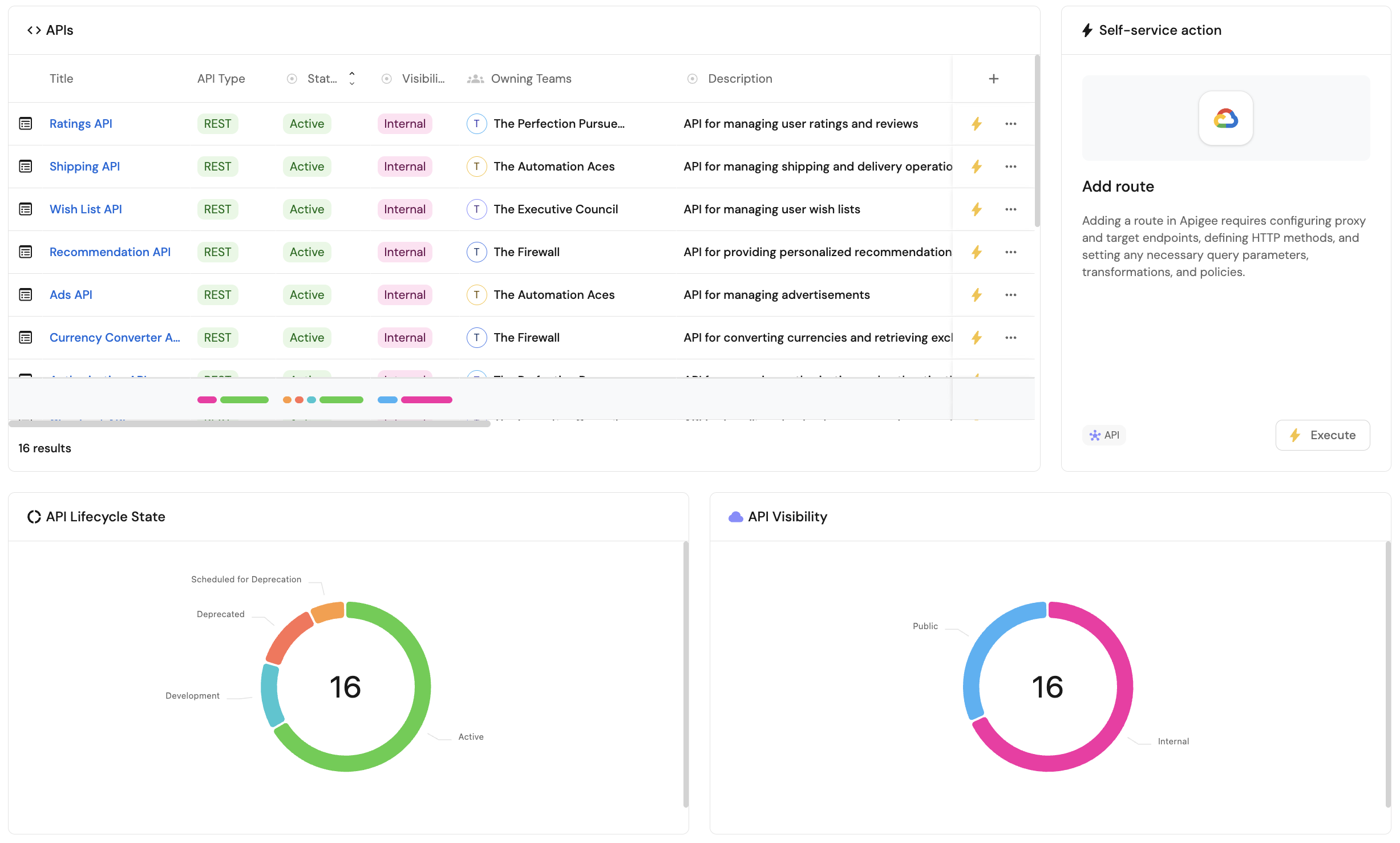
Port supports various visualizations in the form of widgets, allowing you to display data from your software catalog using graphic elements, making it easier to make sense of large datasets.
Widget types
Port offers three types of widgets:
- Data widgets - Visualization widgets that display data from your software catalog, including charts, tables, and entity information.
- Custom widgets - Specialized widgets that provide additional functionality beyond data visualization, such as executing actions, displaying external content, or showing formatted markdown content.
- Personal widgets - User-specific widgets that display information tailored to the logged-in user, such as their entities, recently viewed items, and recently used actions. These widgets are only available in the home page of your portal.
Dashboards are available in the following locations:
- The Home page of your Port app - the home page itself is a dashboard, allowing you to add and customize any of the widgets described on this page.
- Every entity page can have a
dashboardtab with its own widgets. - The software catalog allows you to create customizable dashboard pages.